Free e-invoice validator for ZUGFeRD and XRechnung
 Robert Reiz | | 20:06 UTC
ZEIT.IO, the time tracking and invoicing software for freelancers and agencies, has rebuilt its free e-invoice validator. On the ZEIT.IO e-invoice validator you upload a ZUGFeRD or XRechnung file and get a validation report against EN 16931 plus the invoice in readable form. No account is needed, and the file is deleted afterwards.
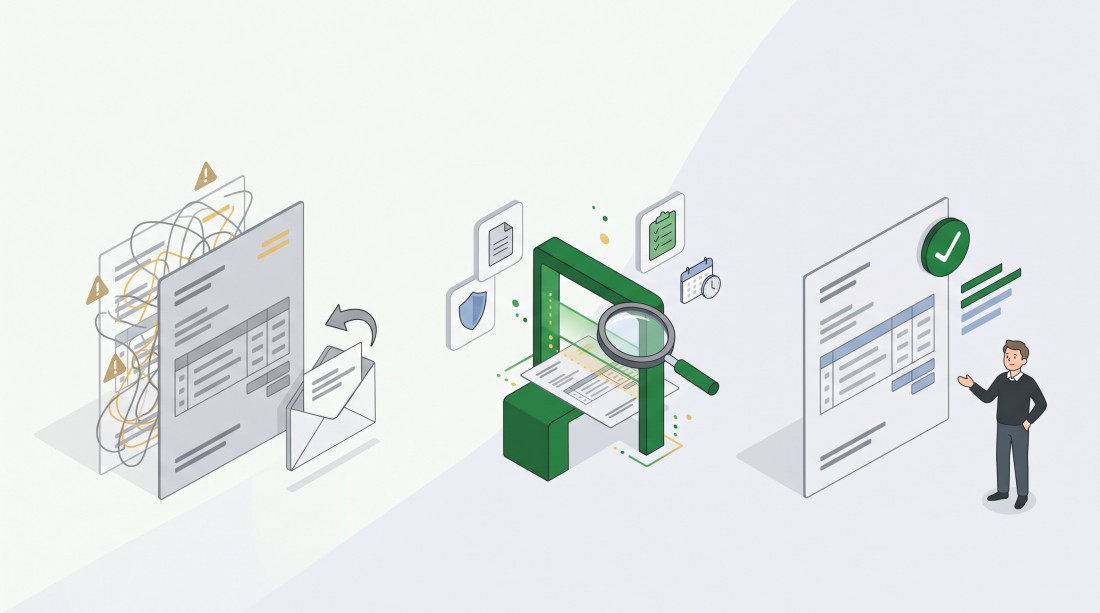
What is new is the page itself: a clear report with an overall verdict, the German e-invoicing rules with a source behind every statement – and less stored data than before.
Why does an e-invoice fail when the PDF looks fine?
An e-invoice fails because of its XML data, not because of how it looks. With a ZUGFeRD invoice, people see the PDF, but the recipient's accounting software reads the embedded XML file. If a detail is missing there or a total does not add up, the software rejects the invoice – even if the PDF looks perfect.
An example: Jana is a freelance designer. On 2 December she sends her client a ZUGFeRD invoice for EUR 4,800 for the first time, created with a tool she has only just started using. Two weeks later the client's accounts department gets in touch: the invoice cannot be imported, please issue it again. Jana's payment term starts from scratch.
Had Jana checked the file before sending it, she would have seen the error within a minute – together with the place in the file where it sits.
The German Federal Ministry of Finance is clear on this: in hybrid formats such as ZUGFeRD, the structured XML part is what counts; if the PDF and the XML differ, the data in the XML prevails (BMF FAQ on e-invoicing, in German).
How it works
- Open the e-invoice validator. You also find it in the footer of zeit.io, in the line Free tools:.
- Drag the file into the box Upload your e-invoice, or click the box to select it. PDF and XML files up to 2 MB are accepted. The box also works with the keyboard.
- Read the validation report. The headline gives the overall result, for example "Passed the check: ZUGFeRD" or "This file did not pass the check". Errors, warnings and hints follow below.
- Look at the invoice below the report – displayed from its XML data: seller, buyer, invoice details, line items and payment terms.
You need no account and nothing to install. Without an account you can check 10 files a day.
What does the validation report show?
The validation report of the ZEIT.IO e-invoice validator shows whether the file is valid and lists every finding with field name, message and location (XPath). In detail:
- The overall result: valid or not valid. For a signed PDF file, the signature has to be valid too.
- For PDF files: whether the file is a valid PDF/A-3 and whether its XMP metadata is valid.
- For every file: whether the XML invoice data is valid.
- The findings: the number of errors, warnings and hints, and each single entry.
- For PDF files with exactly one digital signature: whether it is valid, who signed, when, and who issued the certificate. More on that in the post about the digital signature for e-invoices.
If a PDF file contains no embedded invoice data, the report says: "No e-invoice found in this file".
The check is done by valitool®, a specialised validation engine for e-invoices by valitool GmbH. According to the vendor, valitool checks more than 3 million invoices a month and is usually updated monthly for new versions of the standards.
What an error means for tax purposes depends on the error: a format error means the file is not an e-invoice but an "other invoice" (BMF letter of 15 October 2025, para. 6a, in German). A business-rule violation is a defect for VAT purposes only if it concerns a mandatory invoice detail (BMF letter of 15 October 2026, para. 22, in German).
What happens to my file?
ZEIT.IO deletes the file as soon as the validation report has been shown, and does not pass it on to third parties for the check. That is possible because ZEIT.IO runs the validation engine valitool on its own servers.
- The file is stored only to produce the report. That is why the report can be opened only once.
- If the report is never opened, a daily clean-up deletes the file within about 2 days at the latest.
- The original file name is no longer stored. It can contain personal data, such as a name.
- For the daily limit, ZEIT.IO stores not your IP address but a hash of it, and deletes it within about 2 days at the latest.
- All of this also applies when you are signed in to ZEIT.IO: a file you check here is not added to your account. If you need the validation report as evidence, save or print it while it is shown. E-invoices you upload inside ZEIT.IO itself, by contrast, are stored with their validation report in your incoming invoices – on the Free plan up to 5 incoming invoices a month.
Files uploaded to the free check are deleted, not archived. If you have to keep an invoice, keep the original file.
What changes for e-invoicing in Germany from 2027?
From 1 January 2027, domestic businesses with over EUR 800,000 total turnover in the previous year (2026) must, with exceptions, issue e-invoices to other domestic businesses. The new page highlights this rule and names its source: § 14 UStG and the transition rules in § 27(38) UStG (the German VAT Act).
For smaller businesses, one detail matters that is often overlooked:
- Up to EUR 800,000 prior-year turnover: apart from exceptions, you may invoice only supplies made in 2027 without an e-invoice, until the end of 2027.
- Supplies made in 2026 that you invoice in 2027: they need an e-invoice – with the exceptions that follow – whatever your turnover. This is the typical case of December work billed in January.
- From 2028: the obligation applies, as a rule, to all businesses.
- Exceptions: no e-invoice is needed for invoices up to EUR 250 gross, for travel tickets and for invoices from small businesses (Kleinunternehmer) (§ 33, § 34 and § 34a UStDV).
The obligation covers only invoices between businesses that are both established in Germany (B2B), not invoices to consumers. Every business established in Germany has had to be able to receive e-invoices since 1 January 2025 – including small businesses (BMF FAQ on e-invoicing, in German).
Legal status: November 2026. This post is not tax advice.
What stays the same
- The check is free and needs no account.
- Files are still checked against the European standard EN 16931.
- Inside ZEIT.IO, every e-invoice you upload or receive is checked with the same validation report, displayed in readable form and stored together with that report. In the paid plans (Freelancer and Organisation), invoices arrive directly through the e-invoice mailbox and are archived audit-proof – on WORM storage by IONOS in Germany. What the plans cost is on the pricing page.
At a glance
- Available since: November 2026 (new page)
- Where: zeit.io/en/e-rechnung – also in the website footer under Free tools:
- Who: everyone, without an account and without signing up
- Limits: PDF and XML, up to 2 MB per file, 10 files a day without an account; the report can be opened only once
- Formats: ZUGFeRD (PDF/A-3 with embedded XML in CII syntax, or the XML file on its own) and XRechnung (XML in CII or UBL syntax)
- Standard: checked against EN 16931 with the validation engine valitool®, run on ZEIT.IO's servers
- Not recognised: plain PDF files, ZUGFeRD 1.x and PDF files with an embedded UBL invoice – the report shows them as "not an e-invoice"
- For AI assistants: the page is also available as Markdown text, at the same address with the ending
.md
Frequently asked questions
Is the check really free?
Yes. The check is free and you need no account. Without an account you can check up to 10 files a day; for more you need a ZEIT.IO account.
Do I have to validate an e-invoice?
No. Validation is not a direct precondition for the invoice to be recognised for tax purposes (BMF FAQ on e-invoicing, in German). But it does not replace your own check of an incoming invoice for completeness and correctness; it supports it: you may rely on the technical result of a suitable validation tool if you exercise the diligence of a prudent businessperson, and it is advisable to keep the validation report as evidence (BMF letter of 15 October 2025, para. 35a, in German).
Is a PDF invoice an e-invoice?
No. A plain PDF file is not an e-invoice, because it has no structured format. ZUGFeRD is different: the PDF file also contains the invoice data as XML and, from version 2.0.1, meets the requirements for an e-invoice – except the MINIMUM and BASIC-WL profiles.
How long do I have to keep e-invoices?
Eight years in Germany; exceptions apply, among others, to banks and insurers (§ 14b UStG). The period starts at the end of the year in which the invoice was issued. For an e-invoice, at least the structured part (the XML data) must be kept unchanged in its original form.
Does the validator also check whether the amounts are right?
No. A passed check says the file is formally a valid e-invoice. Whether the amounts, the services and the dates are right is still yours to check.
Why this matters
An e-invoice the recipient cannot import does not get paid; it gets sent back. That costs days, sometimes weeks. A check before sending costs a minute, and for an invoice you received it shows you what to report back to the issuer.
From 1 January 2027, far more businesses in Germany will issue e-invoices than today. Check now, and you find the errors before your client's accounts department does.
Check first, then send.