The hours come from the timesheet. Everything else now comes from your catalogue.
 Robert Reiz | October 27, 2026 | 08:35 UTC
 Lena runs a small IT consultancy with four consultants. She never types in her team's hours: ZEIT.IO bills them automatically from the approved timesheets, and the expenses too. But nearly every one of her 30 or so monthly invoices has more on it: a "Maintenance flat rate" of €150 a month, licences for the ticket system at €12 per user and month, and for three customers the "Hosting package Business" at €49 a month. On top of that come one-off lines like the €450 "Setup fee" for new customers, or hardware security keys at €55 each.
For years Lena typed those lines by hand, or copied them from last month's invoice. In March the ticket system's vendor raised its prices, and Lena has passed on €14 per licence ever since. Two invoices went out at the old price anyway, because she copied them from February. And twice last year she forgot the hosting package. Nobody complained, but nobody paid either.
Her price list exists in her CRM anyway. Keeping it in sync with her invoices was a job she did on the side.
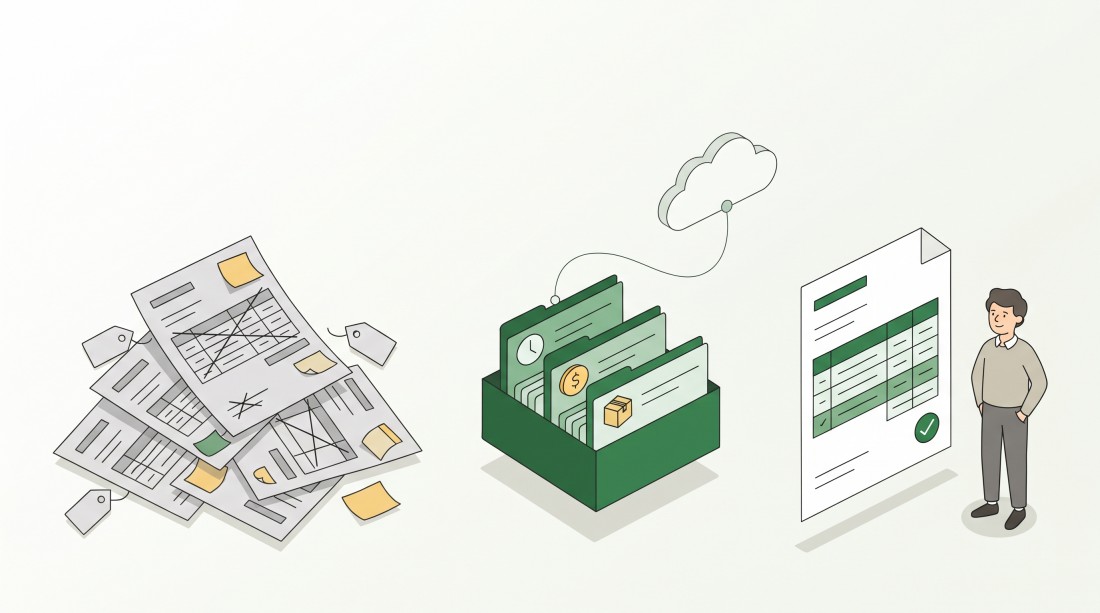
With articles in ZEIT.IO you define every recurring invoice line once – with name, description, price and unit – and add it to an invoice with one click. And you can now manage your whole article catalogue through the public REST API as well.
What changes now
One catalogue for everything except hours and expenses
Hours and expenses don't need articles – they land on the invoice automatically anyway. Articles are for everything else: flat rates, licences, hosting, maintenance, setup fees or physical products.
You find your articles under Invoices → Product items. Each article has:
| Property | Meaning |
|---|---|
| Identifier | A unique short name, e.g. "hosting-business". It does not appear on the invoice – it's only for you |
| Item name | The name of the item on the invoice |
| Description | The description of the item on the invoice |
| Price | Net price per unit |
| Unit | Piece, month, lump sum and so on |
| Amount | The default amount, e.g. 1 for a monthly flat rate |
| Category | Service or Physical product |
When you write an invoice or an offer, pick the article from the Product items list. ZEIT.IO fills in name, description, price, unit and amount. You can still change everything on the invoice line – the number of licences, for example. The article is a template, not a lock.
If Lena changes the licence price to €14 in the article, every new invoice uses €14 from then on. Invoices that have already been written stay as they are.
Articles for specific customers only
Not every article fits every customer. For each article you choose the customers it should be available for. If you select no customer, the article is available to everyone.
On the invoice, the article list then only shows what fits the selected customer. Lena's hosting package only appears for her three hosting customers – and never ends up on an invoice for anyone else by mistake.
Added automatically
Tick "Automatically add to new invoices." and ZEIT.IO puts the article on every new invoice for a matching customer by itself. Lena does this for the hosting package: as soon as she creates an invoice for one of her three hosting customers, the line is already there – right next to the hours from the timesheets. The same goes for invoices that ZEIT.IO creates automatically.
If you switch the customer on a draft invoice, ZEIT.IO swaps those automatic lines too: lines the new customer isn't allowed to get are removed, and the new customer's automatic articles are added. Lines you entered yourself are left alone.
CSV export and import
The article list can be exported as a CSV file – handy for a quick look in Excel or for a backup. The same format works for importing: with CSV Import you load a whole price list at once. Articles whose identifier already exists, and lines with customers ZEIT.IO doesn't know, are reported as an error and are not imported. Nothing is overwritten by accident.
Everything through the REST API, too
Until now, the public REST API could only create new articles. Now it covers the whole catalogue:
- list all articles – filtered by identifier, category or customer,
- fetch a single article,
- create new articles,
- change existing articles – only the properties you send are changed,
- delete articles.
That means your CRM, your ERP or your shop can keep the article catalogue in ZEIT.IO up to date on its own. Lena's CRM now pushes every price change straight to ZEIT.IO – no more retyping, and no more invoices at last month's price.
A few things worth knowing:
- Permissions apply. The API key needs the permission to view articles or to create and edit articles, depending on what the integration does. A key that may only read the catalogue can't change it.
- Every change is logged. Every article that is created, changed or deleted through the API shows up in the audit log of your organisation – with the old and the new value of every changed field. You can always see who changed which price, and when.
- Units are e-invoice ready. Through the API, ZEIT.IO only accepts units from the UN/ECE code list, which the European e-invoicing standard EN 16931 prescribes. So every article you create through the API produces a valid unit in your ZUGFeRD and XRechnung invoices.
- No duplicates. An identifier can only exist once per organisation. The API rejects a second article with the same identifier instead of creating a copy.
The full description of all endpoints is in our API documentation.
What stays the same
- Hours and expenses are billed exactly as before. Articles add to those lines, they don't replace them.
- Invoices already written are not touched. Changing or deleting an article only affects new invoice lines.
- Free invoice lines still work. You don't have to use articles – you can mix them with lines you type in yourself.
- The organisation of an article always comes from the API key. Through the API you can only see and change the articles of your own organisation.
Why this matters
The hours on your invoice are right because they come straight from the approved timesheets. The mistakes happen in everything else: a licence price copied from an old invoice, a forgotten flat rate, a mistyped description. Each of those mistakes costs you money or a follow-up email to your customer – and sometimes both.
With articles, the rest of your price list lives in one place too. You maintain it once, in ZEIT.IO or in the system where it already is, and every new invoice uses it. Hours from the timesheets, expenses from expense tracking, everything else from the article catalogue: no part of your invoice has to be typed in by hand any more.
Change the price once – and it's right on every new invoice.