One customer, five companies – set up in minutes
 Robert Reiz | October 09, 2026 | 07:26 UTC
 Sabine runs the back office of a small IT consultancy. Their biggest customer is the Hansen Logistics Group: Hansen Logistics GmbH in Hamburg has been in ZEIT.IO for two years and is fully set up – 30-day payment terms, invoices by e-mail to the accounts payable address, the buyer reference for e-invoices, "person days" instead of "hours" on every timesheet, two dynamic fields for the cost centre and the order number, and automatic invoicing at the end of each month.
Now the group signs a framework agreement, and from next month four more subsidiaries will be invoiced separately: Bremen, Kiel, Rostock and Vienna. Four new customers that are 90% identical to the first one.
Until now, Sabine had to type every customer in from scratch – the base data form first, then the aliases, the dynamic fields, the invoice settings, the credit note settings and the auto-invoicing settings, each on its own page. Five pages per customer, four customers, and one forgotten setting is enough for the Vienna invoice to go out with "hours" instead of "person days".
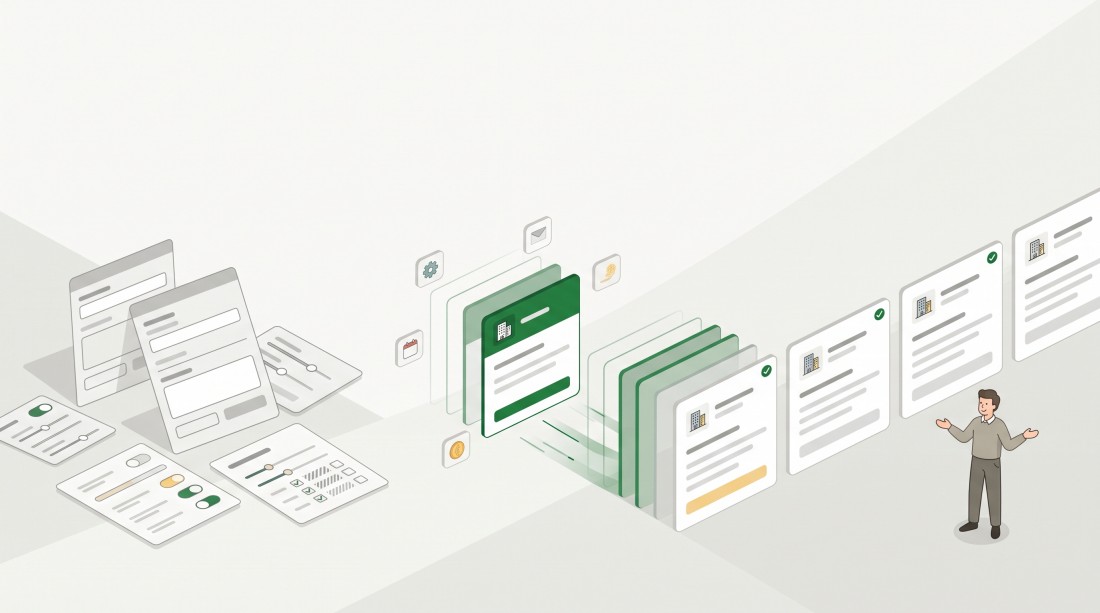
Now you can copy a customer. ZEIT.IO opens the new customer form already filled in with the data of the original, and you only change what is actually different.
What changes now
"Copy customer" – right where you need it
You'll find the new function in two places:
- on the customer's Base data page, as the "Copy customer" button next to "Edit",
- in the customer list, as a new icon in the action column of each row (the tooltip says "Copy customer").
A filled-in form instead of a blank one
A click opens the familiar form for a new customer – but filled in with the original's data: address, tax details, payment terms, invoice dispatch, labels, language, date format and everything else on the form. Above it, a hint tells you what you're looking at:
"This customer is created as a copy of Hansen-HH. Contact persons and departments are not copied."
The name of the original is a link, so you can check it at any time.
Nothing is saved yet. Sabine changes the name, the address and the tax number to those of the Bremen subsidiary, checks the rest and clicks "Save". Only then is the new customer created.
The settings come along
Aliases, dynamic fields, invoice settings, credit note settings and auto-invoicing settings are not part of the form. ZEIT.IO takes them over from the original in the background when the new customer is saved. The new customer starts with "person days", the same dynamic fields and the same invoicing rhythm – without Sabine opening a single settings page.
If one subsidiary needs something different, she adjusts it afterwards on the relevant settings page, as usual.
New number, unique identifier
The copy is a customer of its own:
- It gets the next free customer number – just like any new customer.
- The identifier must be unique. If it is already taken, ZEIT.IO adds a short random suffix, for example "Hansen-HH-k3F9x". Simply replace it with something meaningful like "Hansen-HB" before saving.
Traceable in the audit log
The audit log of the new customer shows that it was created as a copy, and from which customer. Even months later you can still tell where a customer's settings came from.
What is not copied
The copy takes over the customer's master data and settings – not its history or its people:
- Contact persons and departments are not copied. They are usually different for each company anyway.
- Projects, offers, invoices, documents and comments stay with the original customer.
- Connections to other systems are not taken over – such as a link to a customer's own ZEIT.IO organisation or the origin from a Bexio import. The copy is a plain new customer.
The original customer remains completely unchanged.
Who can copy
Copying customers requires the same permission as creating them: write access to customers. Anyone who can only view customers can't create a copy either.
Why this matters
Customers rarely come alone. Groups with several subsidiaries, public authorities with several offices, a customer who invoices a second business unit separately – every time, you need a new customer that is almost the same as an existing one. Typing it in again costs time and, worse, invites small mistakes: wrong payment terms, a missing buyer reference, an invoice in the wrong language.
With the copy, you set up the customer properly once and reuse that setup as often as you need it.
Set up once, copy as often as you like.