Export a whole year of time records – without the error page
 Robert Reiz | October 20, 2026 | 06:53 UTC
 Noel is the controller of a consulting firm with 40 consultants. At the end of the year, he wants to analyse every time record of the last twelve months in Excel: which customers took the most hours, which projects ran over, how the margin developed. In ZEIT.IO he filters the time records of his organisation by the whole year and clicks "CSV Export".
That's about 9,000 time records. Until now, the browser would load and load – and after more than a minute, Noel ended up on an error page instead of with a file. So he split the year into months and exported twelve times, then stitched the files together by hand.
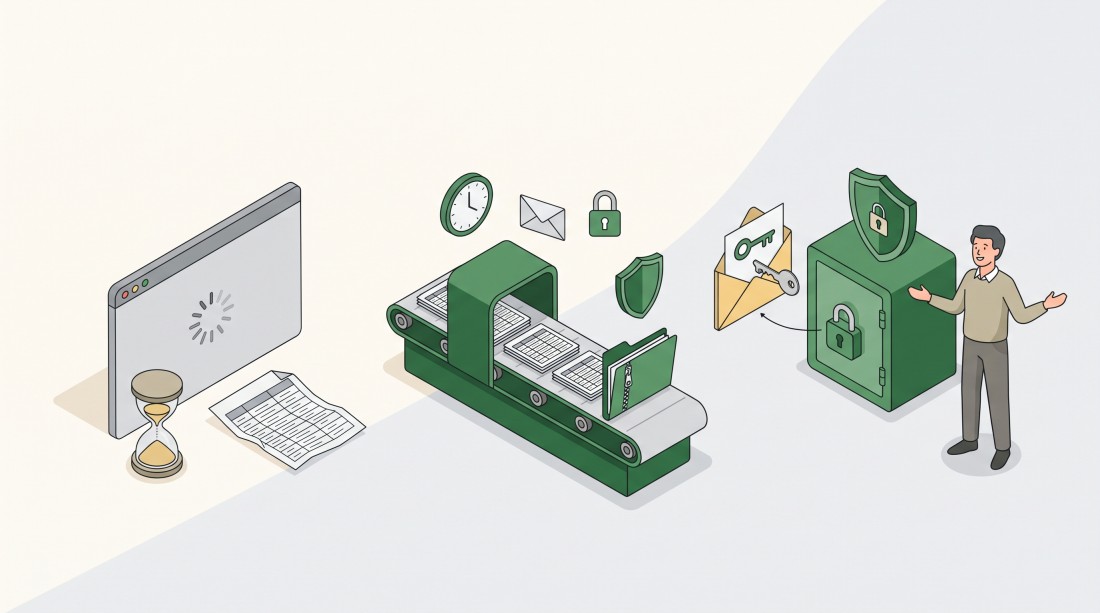
Large CSV exports of time records now run in the background – ZEIT.IO emails you a download link as soon as the file is ready.
What changes now
Small exports: exactly as before
If your filtered list contains up to 300 time records, nothing changes. You click "CSV Export" and the file downloads straight away.
Large exports: built in the background
From 301 time records on, ZEIT.IO builds the export in the background. You stay on your filtered list of time records and see the message:
"The CSV export contains more than 300 time records. It is being compiled in the background - you will receive an email with a download link as soon as it is ready."
You can carry on working in the meantime. When the file is ready, you receive an email with the subject "Your CSV export of time records is ready" and a download link.
Same content, packed as ZIP
The export contains exactly what you would get from a direct export: the same columns, the same formats, the same filters you had set. Because large exports can get big, the CSV file comes packed as a ZIP archive. Its name tells you the period, for example zeit-io-times-2026-01-01-to-2026-12-31.zip.
Your permissions travel with the export: if you are not allowed to see purchase prices, sales prices or margins of employees or suppliers, those amounts are not in the background export either.
Why we don't simply send the CSV by email
The easiest solution would have been to attach the CSV to the email. We deliberately decided against it – for privacy and security reasons.
An export of time records contains sensitive data: who worked how long for which customer, and, depending on your permissions, hourly rates and margins. An email attachment leaves ZEIT.IO's control the moment it is sent. It sits in mailboxes, gets forwarded, synced to phones, archived in backups – and anyone who gets hold of the email has the data.
The download link works differently:
- The link only works with a login. Whoever clicks it must be signed in to ZEIT.IO – a forwarded email alone is useless.
- Only for you. The file can only be downloaded by the person who started the export, and only as a member of the organisation. Even colleagues in the same organisation cannot open it.
- No permanent file link. Each click creates a fresh, short-lived link to the file that expires after 60 seconds.
So the email only tells you that your export is ready. The data itself stays protected in ZEIT.IO until you collect it.
What stays the same
- Exports of up to 300 time records download directly, as before.
- Columns, number formats and filters of the export are unchanged.
Why this matters
Annual reports, audits, controlling – that's exactly when you need large exports, and exactly when an error page hurts the most. Now one click is enough, however big the period. And your time records and rates don't end up as an attachment in someone's mailbox.
One export for the whole year – safely delivered.