Automatic Timer Stops and Configurable Hour Limits for Employee Contract
 Robert Reiz | June 11, 2026 | 07:39 UTC
 Managing working time accurately is not just a matter of good housekeeping — in many countries it is a legal requirement. ZEIT.IO helps you stay compliant with two features built specifically for employee contracts: a configurable maximum duration per time record and an automatic timer stop that kicks in when employees forget to clock out.
The Problem: Forgotten Timers
Anyone who has used a time tracker for more than a week knows the scenario. An employee starts the timer in the morning, gets pulled into back-to-back meetings, and heads home without ever clicking stop. The next morning the timer is still running, and the recorded duration is completely wrong.
In a regulatory environment — think the EU Working Time Directive or national labour laws that require accurate daily records — a runaway timer is more than an inconvenience. It can invalidate the time record entirely.
Automatic Timer Stop
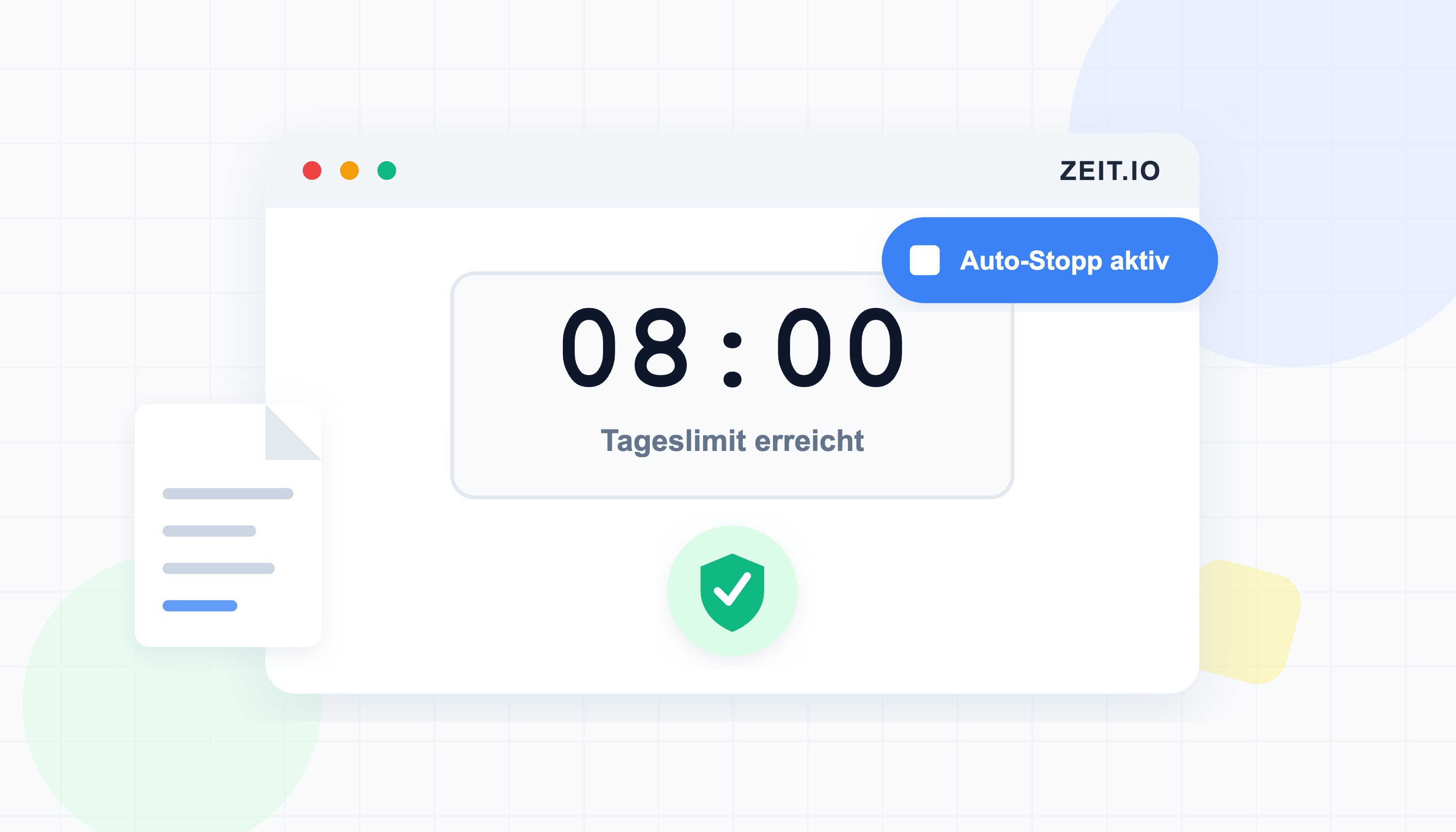
ZEIT.IO monitors running timers and automatically stops them when they have been active for too long. The system creates a time record on the employee's behalf, marks it as system-generated, and resets the timer. The employee sees a clean slate the next time they open the app.
This means that even if someone forgets to clock out, the working time for that day is still captured correctly and the record is closed — no manual cleanup required by a manager or HR administrator.
As soon as the timer is stopped, the employee receives an automatic email notification. The email shows the date, start time, end time, and total hours of the saved entry. It also contains a direct link that opens the time record in edit mode, so the employee can review the entry and adjust it if needed — without having to search for it manually.
Configurable Maximum Hours per Time Record
Not every organisation has the same rules. A logistics company running 12-hour shifts has different needs from a software consultancy with standard 8-hour days. ZEIT.IO lets you configure the maximum number of hours allowed in a single time record directly on the employee contract.
When the automatic timer stop runs, it respects this limit. If the calculated duration would exceed the configured maximum, the time record is capped at that value. This prevents unrealistic entries from ever reaching your payroll export or compliance reports — regardless of how long the timer was actually left running.
The default limit is 8 hours, which covers the vast majority of working situations, but you can adjust it per contract to match your specific operational requirements.
How It Works Together
The two features complement each other:
- An employee starts the timer and forgets to stop it.
- ZEIT.IO detects the overdue timer and triggers an automatic stop.
- The system calculates the duration from start to stop.
- If the duration exceeds the contract's maximum, it is capped at the allowed value.
- The time record is saved and the timer is reset.
- The employee receives an email with the details of the saved entry and a direct link to edit it.
The result is a time record that is always within the bounds defined by the contract — no outliers, no manual corrections, and a clean audit trail. And because the employee is notified immediately, any discrepancy can be corrected right away.
Regulatory Compliance by Design
Labour laws in Germany, Austria, Switzerland, and across the EU require employers to record working hours accurately and retain those records. Features like automatic timer stops and hard duration limits are not just conveniences — they are part of building a time tracking workflow that holds up to scrutiny.
With ZEIT.IO, these guardrails are built into the employee contract itself, so the rules travel with the employee rather than depending on everyone remembering to follow a process.
Questions?
If you would like to adjust the maximum hours per time record for your employee contracts, or if you have questions about compliance configuration, reach out to us at support@zeit.io.