Understanding ZEIT.IO API Rate Limits
 Robert Reiz | 10. Juni 2026 | 05:58 UTC
 If you're using the ZEIT.IO API to connect your own tools, automate workflows, or integrate with third-party software, you may have come across the term "rate limiting." This article explains what rate limits are, how they work on ZEIT.IO, and what to do if you run into them.
What Is a Rate Limit?
A rate limit is a cap on how many requests a client can make to our servers within a given time window. Think of it like a revolving door — only so many people can pass through per minute. Rate limits protect the service for everyone: they prevent a single user or automated script from accidentally (or intentionally) overwhelming the system and slowing things down for others.
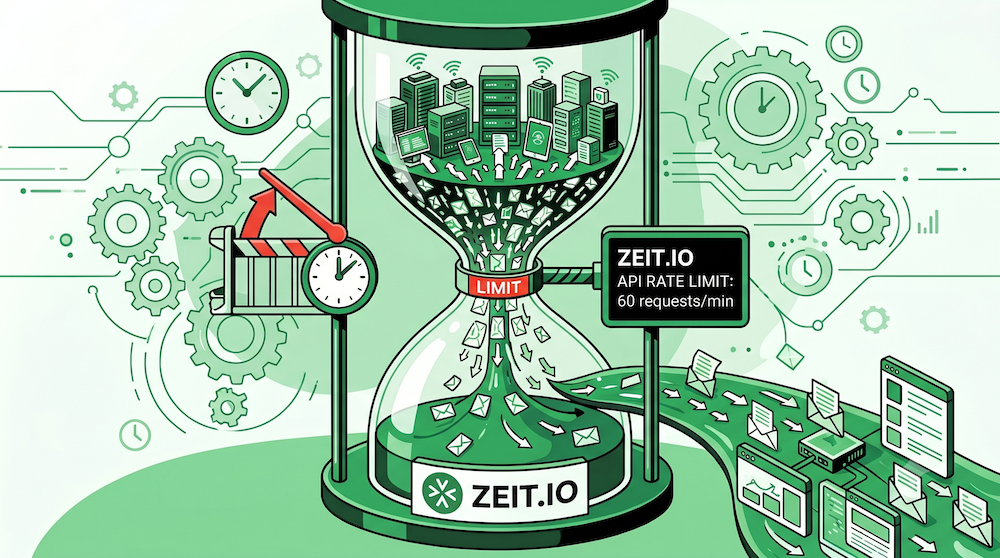
ZEIT.IO Rate Limits at a Glance
| Who you are | Limit |
|---|---|
| Authenticated with a paid organisation's API key | 3 000 requests per 5 minutes |
| Everyone else (browser sessions, free tier) | 300 requests per 5 minutes |
That works out to roughly 600 requests per minute for paid API users and 60 requests per minute for everyone else.
How Does ZEIT.IO Know Who I Am?
When you make API calls using an API key, ZEIT.IO checks whether that key belongs to a paid organisation. If it does, your requests are counted against the higher limit. If you are browsing the app in your browser or using a free account, your requests are tracked by your IP address and subject to the standard limit.
What Happens When I Hit the Limit?
If you exceed your rate limit, the API will respond with:
HTTP 429 Too Many Requests
Your requests will start succeeding again automatically once the 5-minute window resets. You do not need to do anything — just wait a moment and retry.
Tips for Staying Within the Limits
1. Cache responses on your side.
If your integration repeatedly asks for the same data (e.g. a list of projects or team members), store the result locally and refresh it only when needed.
2. Avoid tight polling loops.
Instead of checking for new data every second, consider spreading requests out — every 30 seconds or even every few minutes is usually sufficient.
3. Handle 429 responses gracefully.
Build a short pause into your integration when you receive a 429. Waiting a few seconds before retrying is all it takes.
4. Upgrade to a paid plan.
If your integration genuinely needs more headroom, a paid ZEIT.IO organisation gives you a 10× higher limit. See our pricing page for details.
Login Attempts
For security reasons, login attempts are limited separately and more strictly: 5 attempts per 20 seconds per IP address. This protects accounts from brute-force password attacks. If you are locked out temporarily after several failed logins, simply wait a few seconds and try again.
Questions?
If you believe you are hitting rate limits unexpectedly, or if your use case requires even higher limits, please reach out to our support team at support@zeit.io. We are happy to help.